
Who watched, and the second they stopped
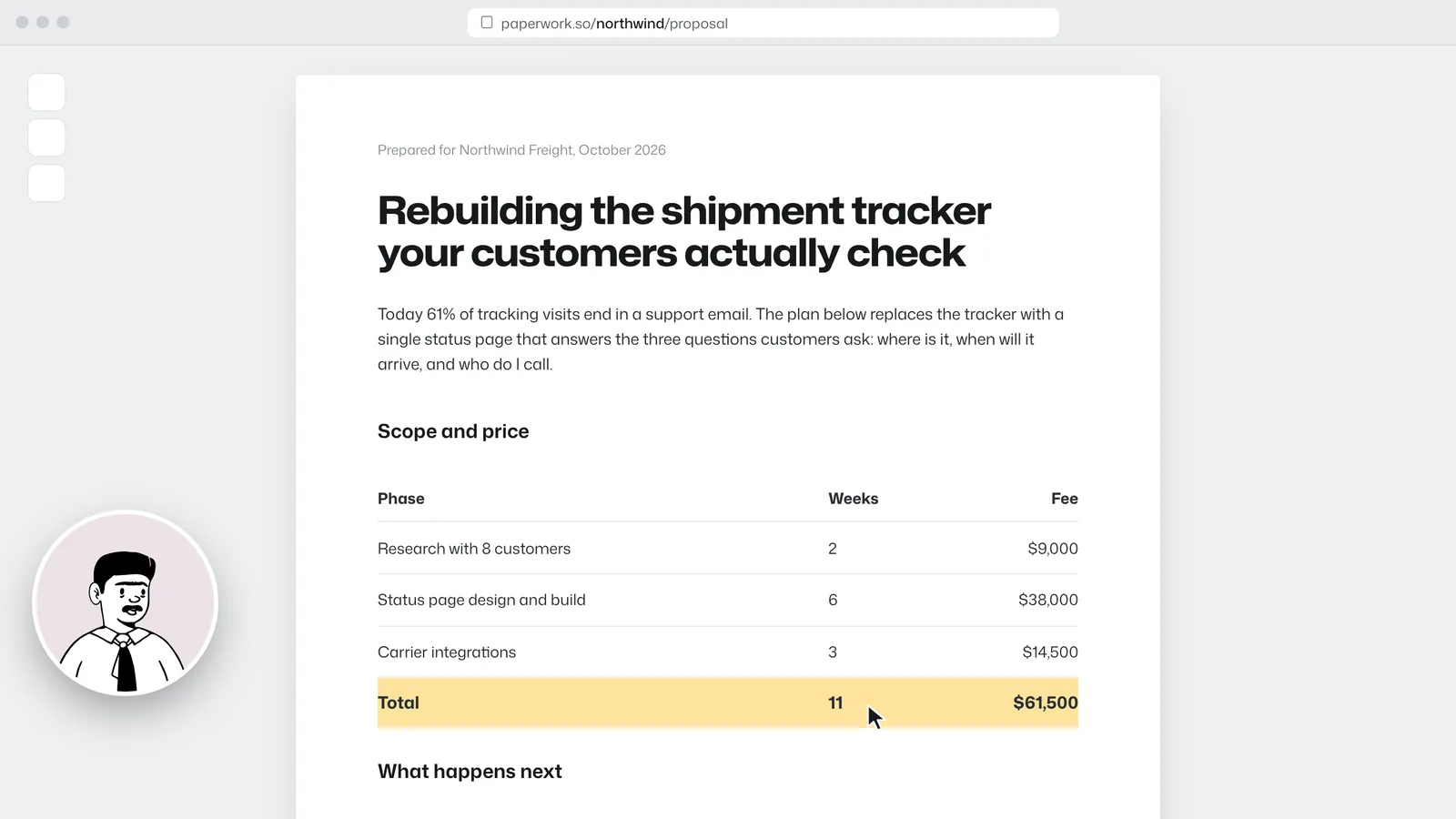
Each viewer, how far they got, and a retention curve that shows the exact moment people drift. If the client stopped at the price, you'll know before the call.
Viewer insights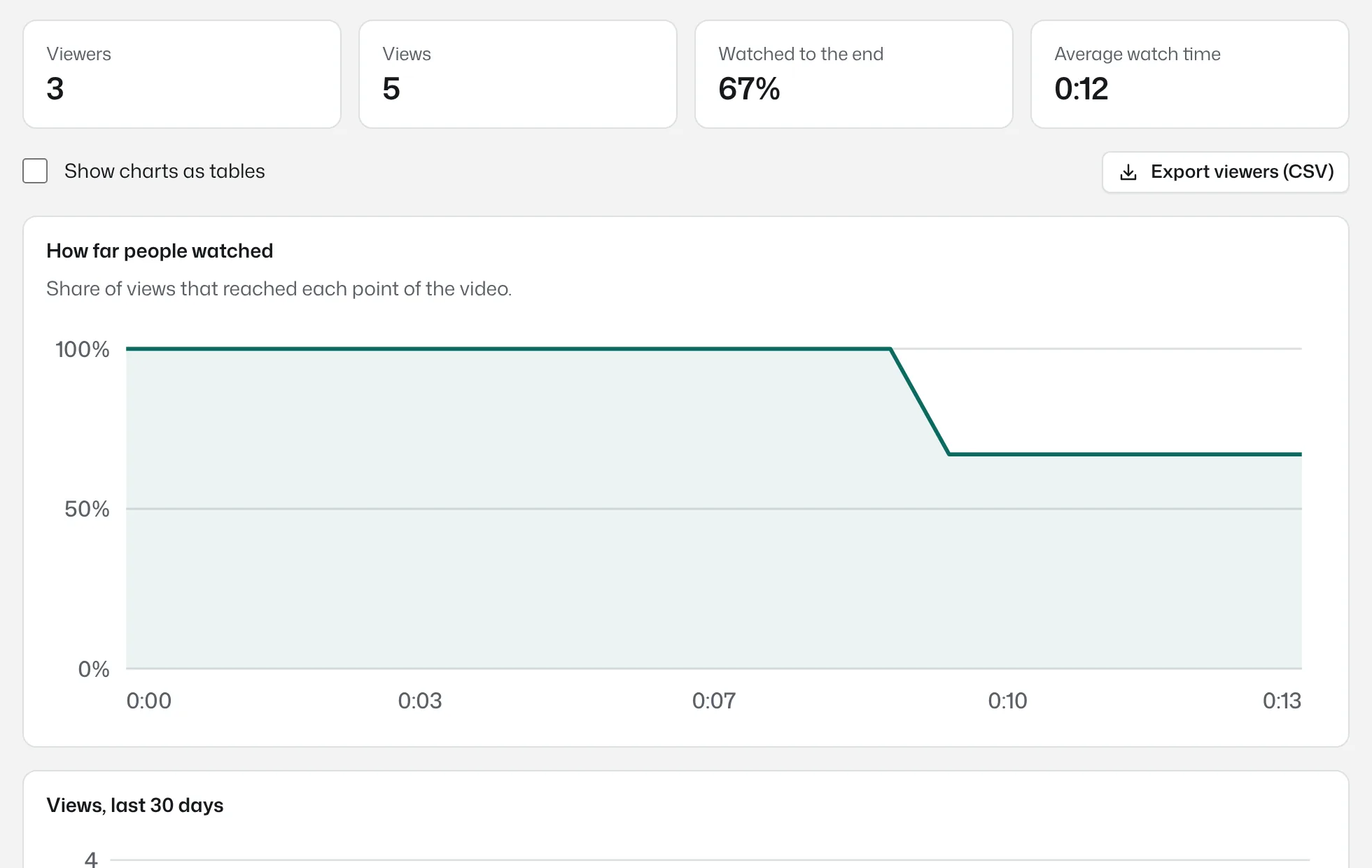
Bujua records your screen and camera in the browser, gives you a share link the moment you stop, and shows who watched.
Free to start, no install. Pro is $8 a month per person who records, with AI summaries on every plan. Watching is always free.

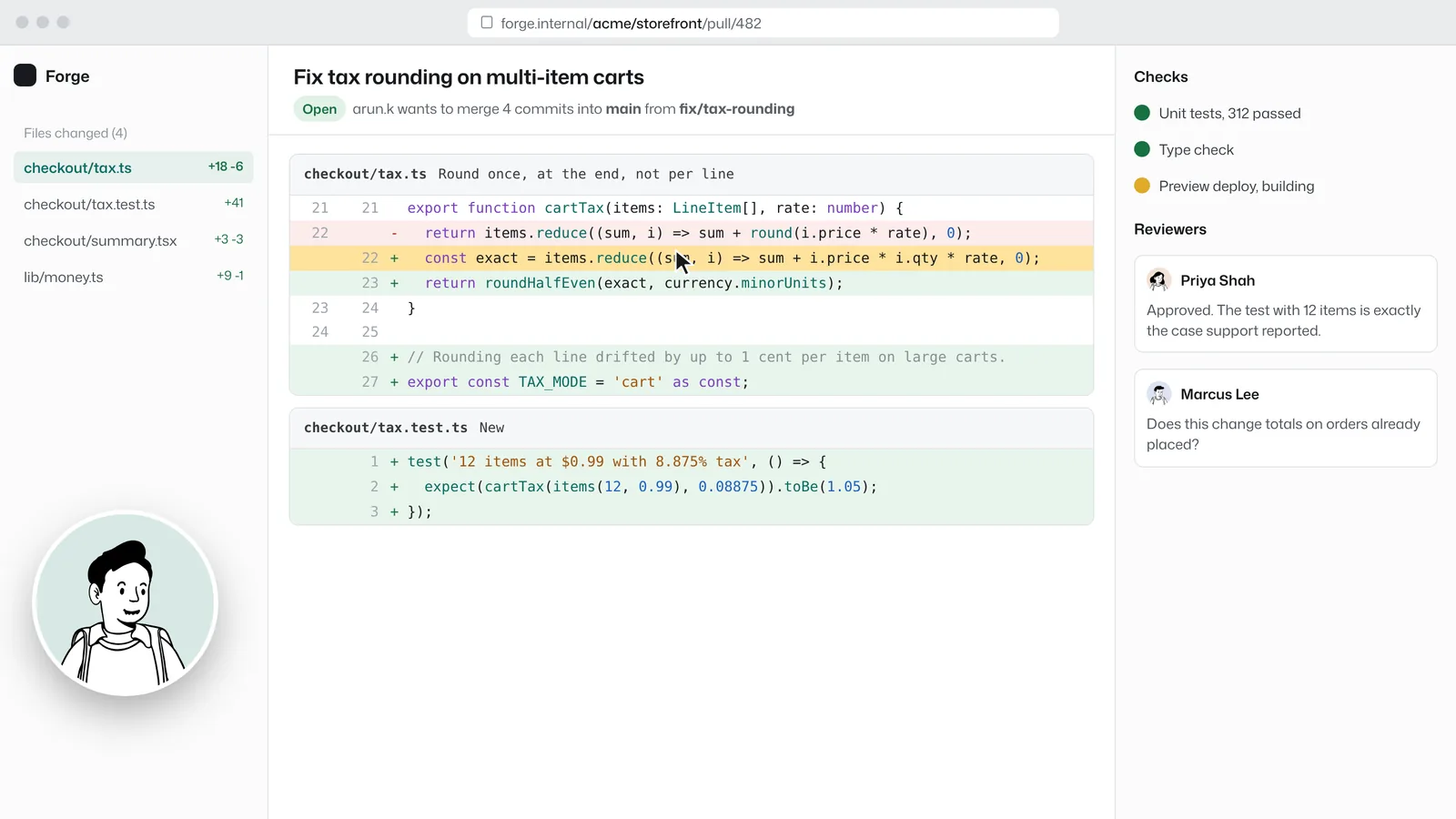
Priya Shah 0:06
Half even is the right call, matches what finance does.

Marcus Lee 0:09
Can we add a note on the three orders that hit this?
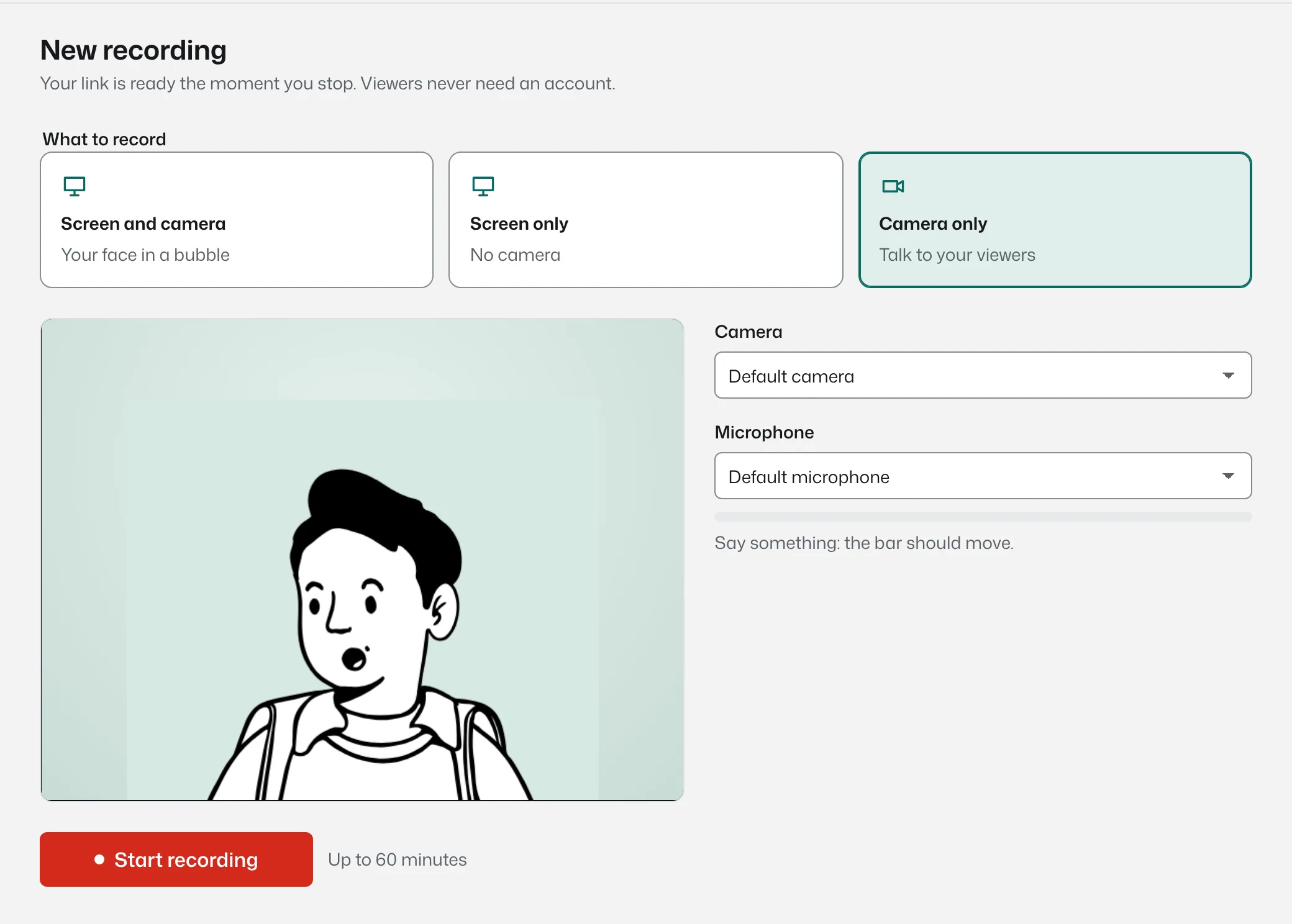
Screen, camera or both. Your face floats in a small bubble you can drag anywhere, and pause as often as you like. Nothing to install, so it works on the locked-down laptop too.
The video uploads while you talk, so there is no export, no progress bar, no waiting. It pastes into Slack, a ticket, an email or a pull request.
No account, no app, no seat. At 1.5× with captions on a phone, or properly at a desk. The video starts in about a second, wherever they are.
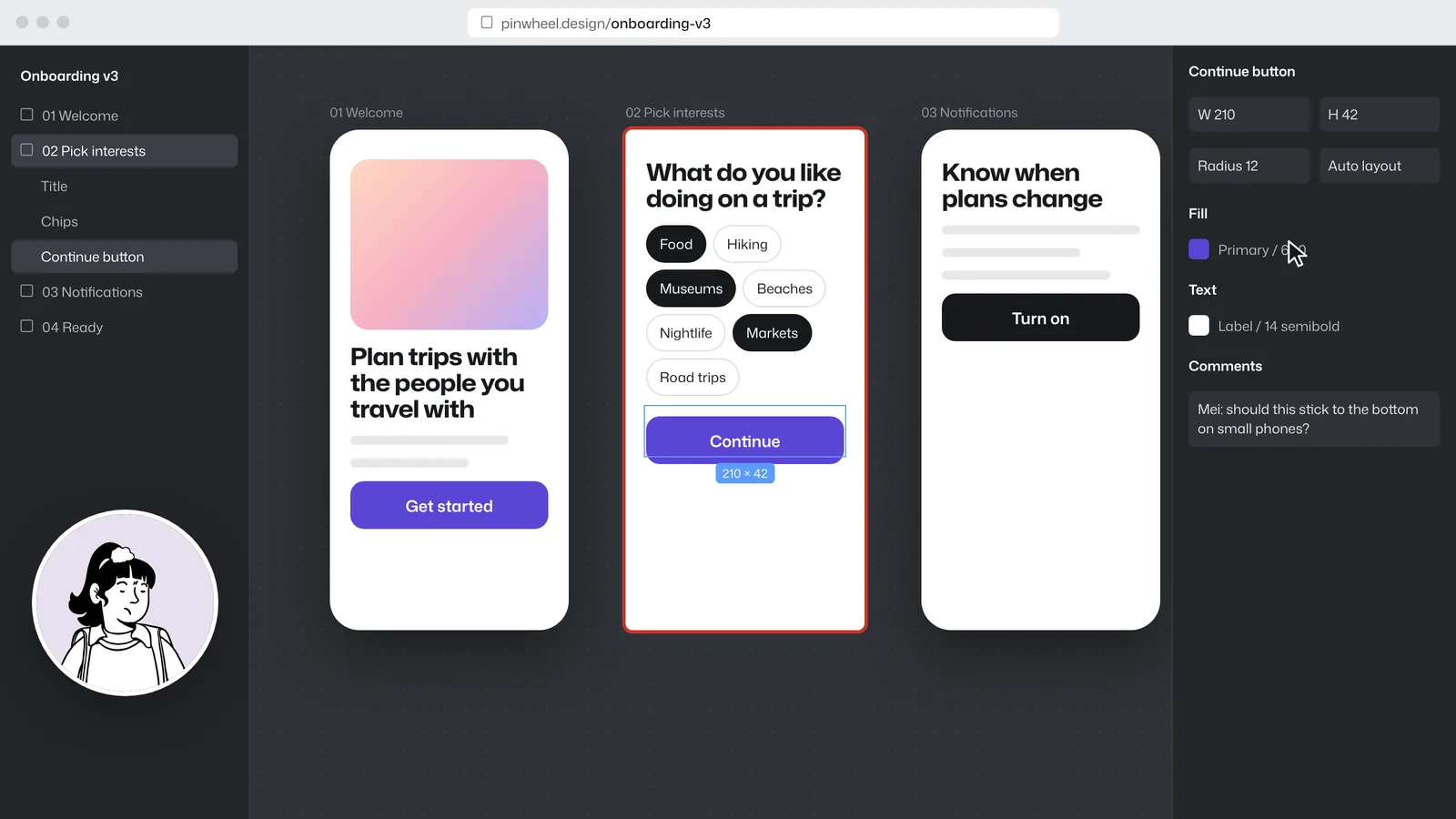
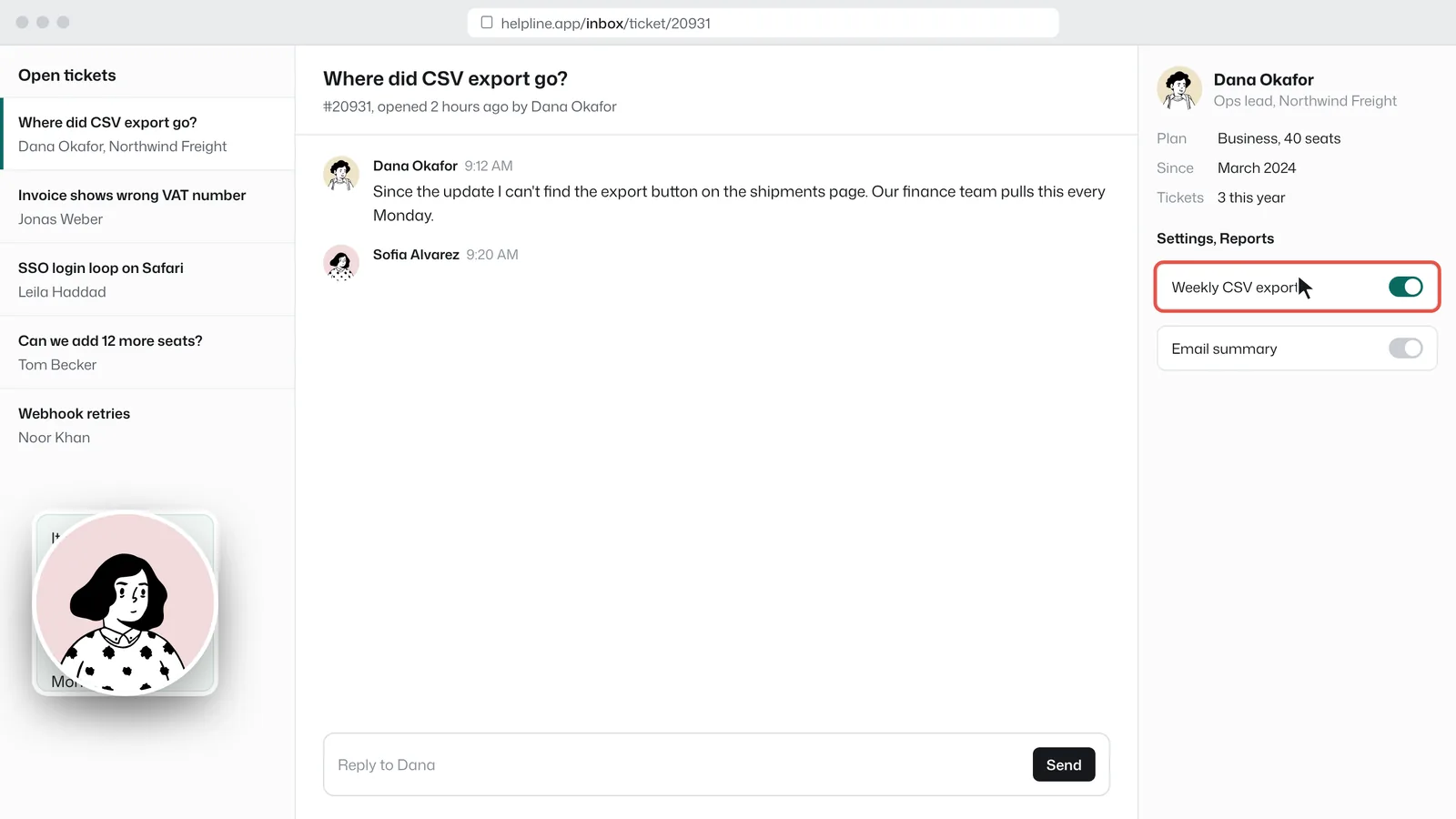
Comments pin to the moment that caused them, so “at 0:42, what's this?” is a click, not a hunt. Replies can be text or a quick video.
Loom charges $24 per creator a month for Business + AI. Bujua Pro is $8, with transcripts, summaries and chapters on every plan. Teammates who only watch get free viewer seats, and clients never need an account.
Each viewer, how far they got, and a retention curve that shows the exact moment people drift. If the client stopped at the price, you'll know before the call.
Viewer insights
A comment carries the second it was written at. Clicking a comment jumps the video to that moment. Markers on the timeline show where the conversation is.
Comments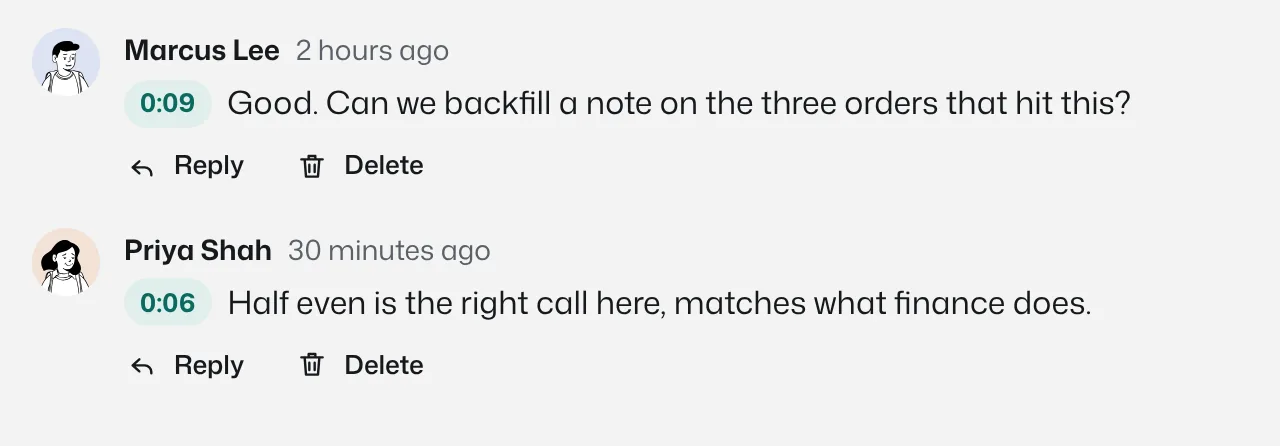
Every video gets captions, a transcript, a summary and chapters. ⌘K searches every word that was said, including one from March.
Transcripts and summaries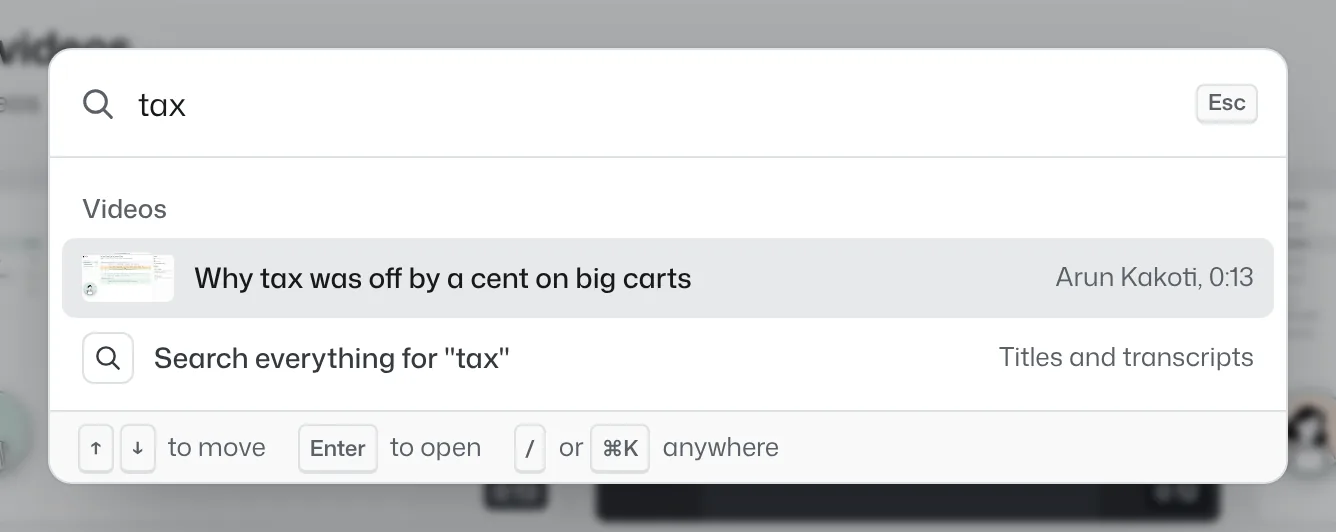
Videos can be imported, the people who record join as creators, and everyone else gets a free viewer seat.
| Tool | Paid plan, per recorder | AI transcripts and summaries |
|---|---|---|
| Bujua | $8 a month, or $49 for up to 10 | Every plan, including Free |
| Loom | $18 a month (Business) | Business + AI, $24 a month |
| Vidyard | $59 a month, billed annually (Starter) | Captions on Starter |
| Zight | $9.95 a month, billed annually (Create) | Unlimited on Collaborate, $12 |
| Tella | $13 a month, billed annually (Pro) | Included, credit based |
From each company's pricing page, checked October 21, 2026. Prices change; follow the links for sources.
Something missing? Questions sent through the contact page get an answer within a working day.
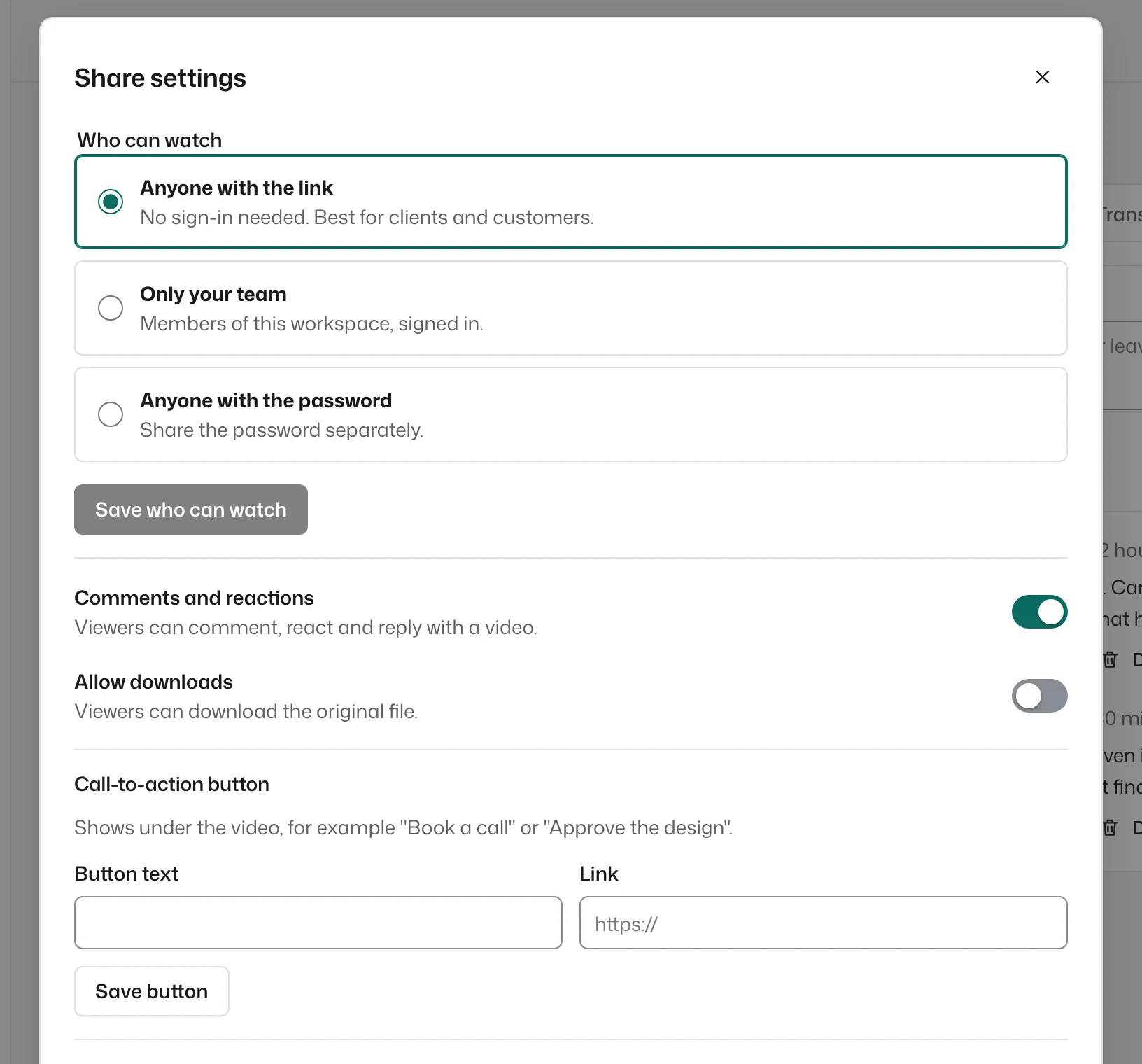
No. They open the link and watch in any browser, on any phone or computer. They can comment and react without signing in, too.
Only people who record. Anyone who watches, comments or reacts is a free viewer, and you can have as many as you like on every plan.
Yes. A recording of up to 5 minutes can be shared straight away. If you create a free account later, those recordings move into it.
Yes. Recording runs in the browser, so there is nothing to install. It works in Chrome, Edge and Firefox on Windows, macOS, Linux and ChromeOS.
Every second is saved on your device while it uploads. The recorder offers the recording again, ready to finish uploading.
Yes. Videos downloaded from Loom can be uploaded in bulk, or imported from a direct file link. The people who record join as creators; everyone else joins as free viewers. How switching works.
On Cloudflare's network, and served from the location closest to each viewer. You can download the original file of any of your videos at any time.
The first one needs no account and no install, and the link is ready when recording stops.