The pull request, explained before anyone opens the diff
Two minutes of “here’s what changed and why” saves the reviewer twenty minutes of reverse engineering, and saves everyone the meeting.
Videos engineers send instead of meetings
Short, specific, and pasted where the work already is: the pull request, the ticket, the incident channel.
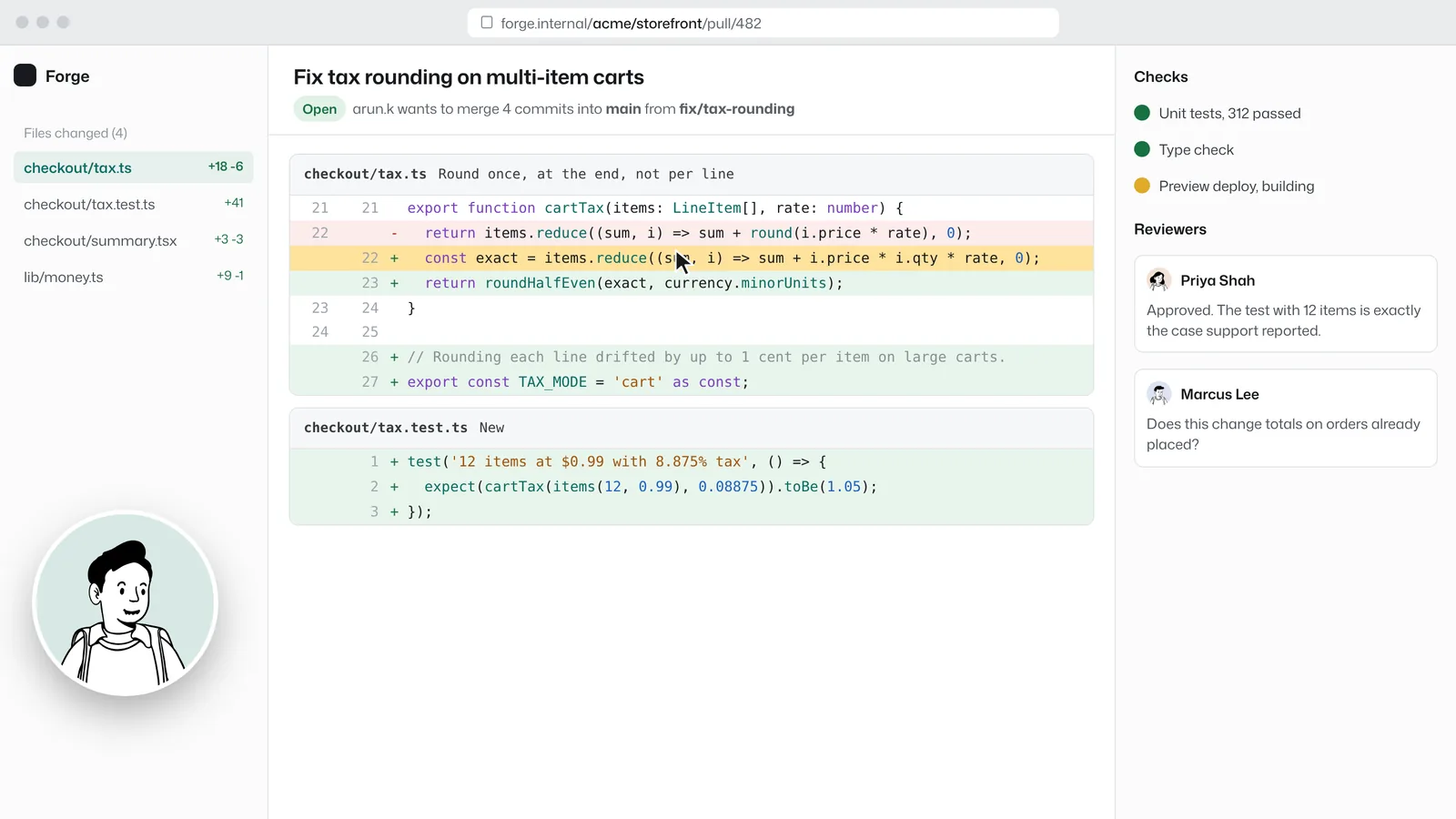
- 2 minPull request walkthrough
What changed, why, and the one place you want a second pair of eyes.
- 1 minBug report, as it happened
Record the bug with the console open. Nobody asks “can you reproduce it?”.
- 3 minOn-call handoff
What fired overnight, what you tried, what to watch today.
- 6 minArchitecture explainer
Talk through the diagram once; link it from the design doc forever.
- 2 minRelease notes for support
Show support what changed before customers ask.
Why it works for engineering
It pastes where the review happens
Links show a preview in Slack, Linear, Jira and Notion, and the video starts in about a second.
Questions on the right line
Comments pin to the second, so “at 0:42, why not a map?” points at the exact code on screen.
Search the codebase’s oral history
Transcripts make every explanation searchable. The video where someone explained the billing retry logic last spring is one search away.
Engineering: common questions
Something missing? Questions sent through the contact page get an answer within a working day.
Is video better than a written PR description?
Both work together: a written summary and a recorded walkthrough. Video is fastest for the “why” and for anything visual; text is best for details people will search later. Transcripts give you both.
Can I record my terminal and editor?
Yes. The whole screen or a single window can be shared. In Chrome and Edge the camera bubble floats over the editor.
Can private repos’ code be kept private?
A video can be set to team only or protected with a password. Team-only videos require signing in to the workspace.
The next PR walkthrough takes two minutes.
The first one needs no account and no install, and the link is ready when recording stops.