Comments that know which second they’re about
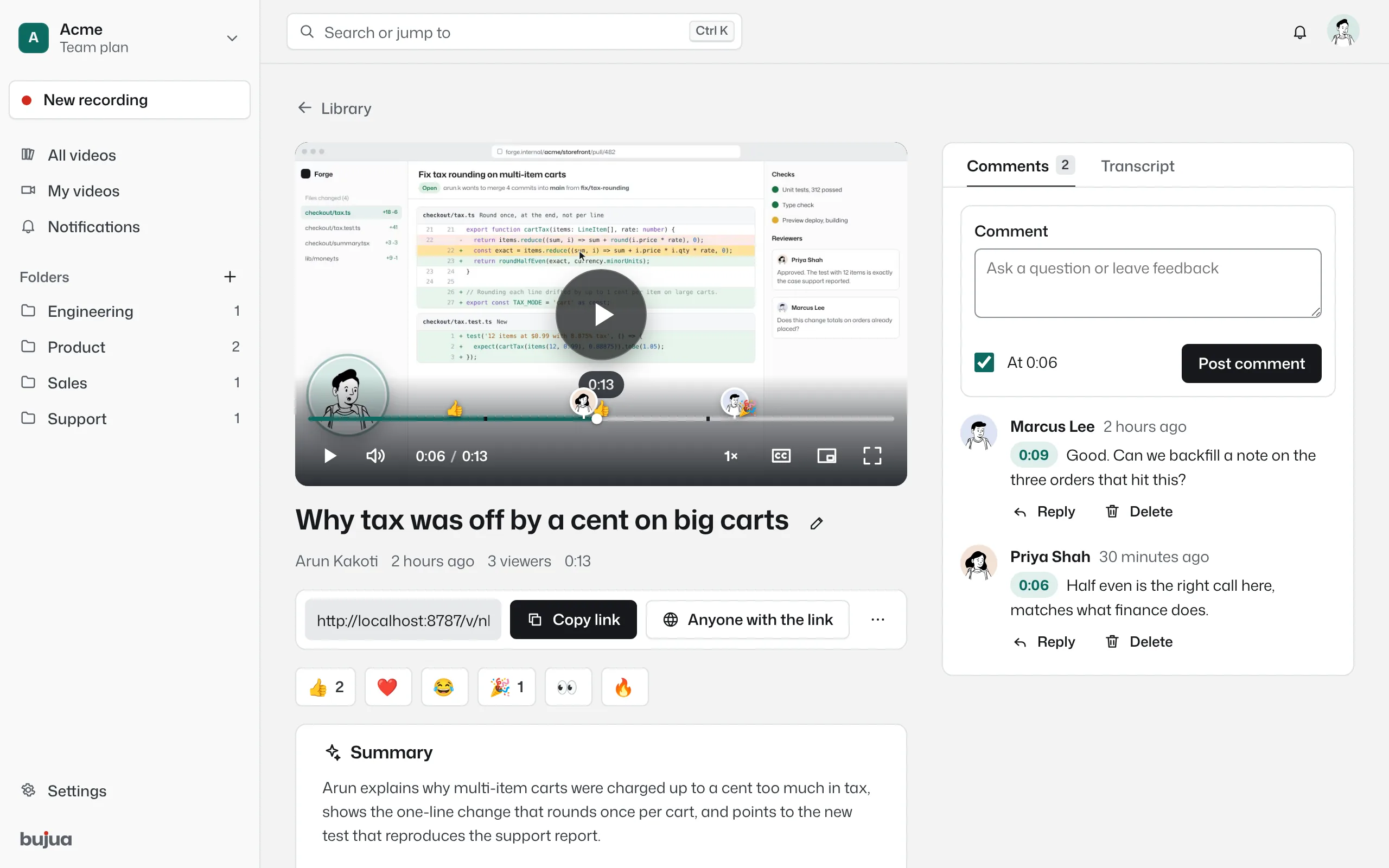
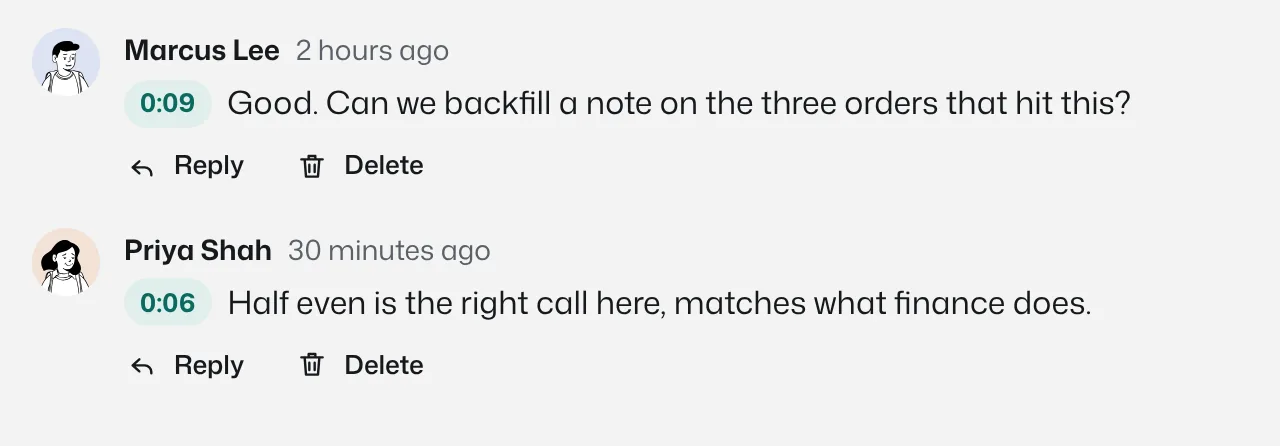
Every comment carries the moment it was written at. Clicking a comment jumps the video to that moment. No more “around the middle, where you showed the thing”.
- Pinned to the second, shown on the timeline
- Viewers comment without an account
- Reply in text or with a quick video
- Email when someone comments
The conversation lives on the timeline
Comments and reactions appear as markers on the player's timeline, so you can see where people had questions before reading a word. Clicking a comment jumps to its moment.
A comment at 0:42 that says “what's this?” is clear, because everyone who reads it is looking at the same frame.
Answer with a video when words won’t do
Anyone watching can reply with a short camera video, up to three minutes, straight from the share page. It's how a client explains what they meant without booking a call, and how you answer a question by showing instead of typing.
Open to everyone, without the chaos
Viewers who aren't signed in add their name once and comment. They can delete their own comments from the same browser. The video's owner and workspace admins can remove any comment, or turn comments off for a video entirely.
Comments: common questions
Something missing? Questions sent through the contact page get an answer within a working day.
Do viewers need an account to comment?
No. They enter a name the first time and comment. Signed-in teammates comment under their account.
Can I turn comments off?
Yes, per video, from the video settings.
Will I be notified?
Yes. You get an email and an in-app notification for new comments on your videos. You can turn the emails off in your profile.
How long can a video reply be?
Up to three minutes.
Your next explanation could be a two minute video.
The first one needs no account and no install, and the link is ready when recording stops.