Free online screen recorder
The screen, voice and camera are recorded right here in the browser, and a link is ready the moment recording stops.
- Screen, camera, or both, with audio
- Works on Windows, Mac, Linux and Chromebook
- Up to 5 minutes without an account
- Download the video or share a link
- Free, no account, no watermark
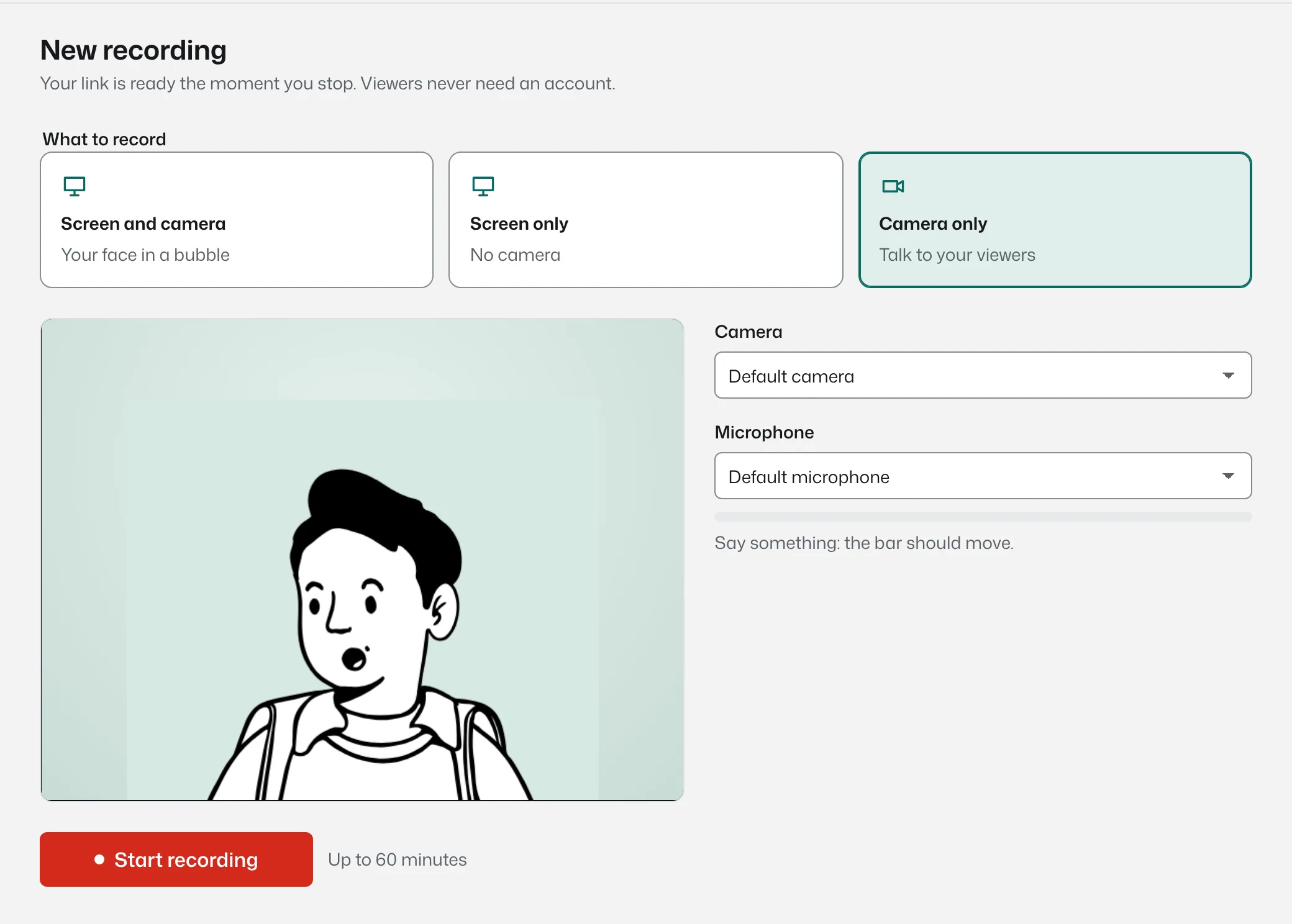
How to record your screen in the browser
- Open the recorder. Choose screen and camera, screen only, or camera only. Pick your microphone; the level bar moves when you talk.
- Press Start recording. Your browser asks what to share: the whole screen, a window or one tab. Tick “share audio” to include the tab’s sound.
- Talk through it. A three second countdown, then you’re recording. Pause whenever you need to.
- Press Stop. The link is copied to your clipboard. Paste it anywhere, or download the file.
Questions people ask
Something missing? Questions sent through the contact page get an answer within a working day.
Is it really free?
Yes. Up to 5 minutes per video can be recorded without an account. A free account keeps 25 videos per person; Bujua Pro removes the limits for $8 a month.
Is there a watermark?
No. Videos have no watermark. On the Free plan, the share page shows a small badge under the video.
Can I record my screen with audio?
Yes. Your microphone is recorded, and in Chrome and Edge you can include a tab’s audio by ticking “share audio” when choosing what to share.
Does it work on a Chromebook?
Yes, in Chrome on ChromeOS. There is nothing to install.
Where does the video go?
It uploads to Bujua while you record, so you get a private link instantly. You can download the file too.
The recorder is ready in the browser.
It takes about ten seconds to start. The link is ready when you stop.